
Start with one simple step
Your business name is optional. Choose a currency and start; new installations default to USD. Existing account currencies stay unchanged.
Zawid Accounts · Android accounting tools
Get Zawid Accounts from its official Google Play listing, check the publisher and prepare a backup before moving an existing ledger.
Start a 7-day trial when eligible: it activates immediately after completing registration, with no payment method or automatic renewal. After it ends, an active subscription is required to add or edit records.
The current interface
Current interface previews with sample data, prepared on 14 November 2026. The layout can vary with your installed version.
45 seconds · silent visual guide · Arabic screens with English subtitles
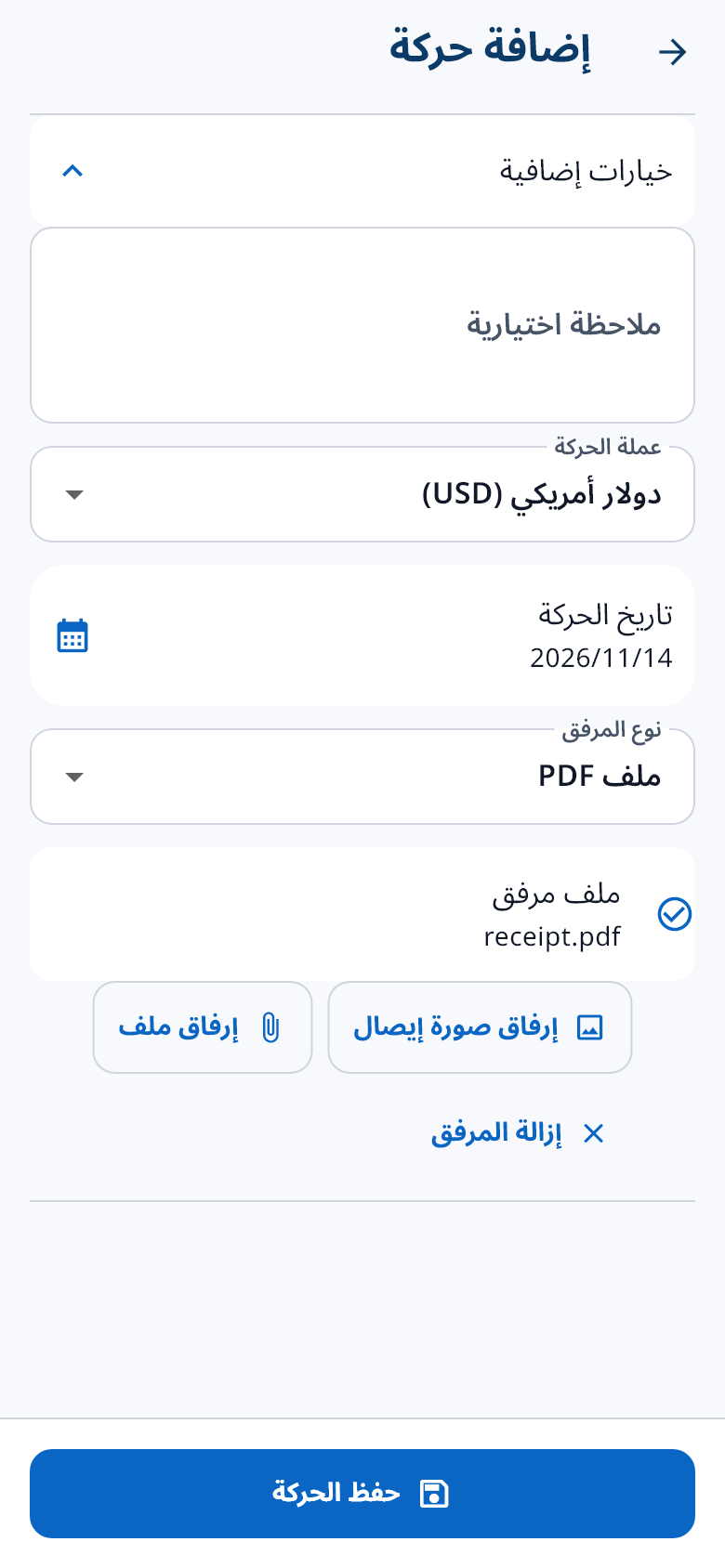
Record 500 due and a payment of 200 in one currency: 300 remains. Keep both entries, attach the receipt and review the statement.
Illustrative numbers, not a customer testimonial. Adding an attachment does not extract its amount automatically.
Try the interactive example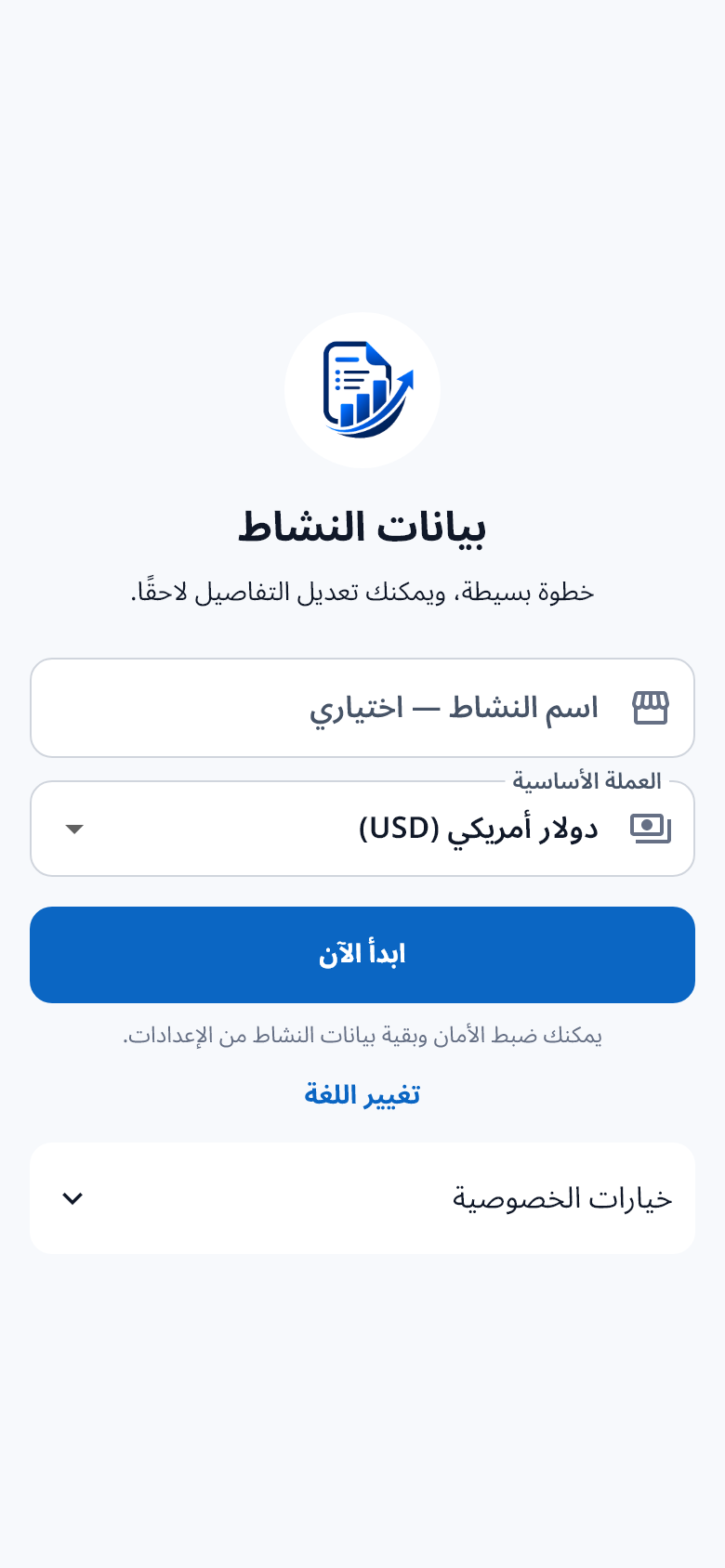
Google Play is the main download channel. Check that the package is site.zawid.accounts and review the version, device compatibility and store disclosures shown there.
The app supports Arabic and English. The current gallery uses app interfaces rendered from current code with sample data. It is a development preview; check the version available for your device on Google Play.
Create a fresh backup before changing devices or switching installation sources. Current portable .zawid backups are not encrypted by default, so protect access to the file. Older encrypted backups need their original password. Do not erase the old phone until a restored ledger has been checked.
An APK offered outside the store can have different version or signing details. If Android refuses an update, contact support instead of uninstalling an app that contains your only copy of the data.
New in Zawid
Explore the new update, from the first screen to recording a transaction and its attachments.
Your business name is optional. Choose a currency and start; new installations default to USD. Existing account currencies stay unchanged.
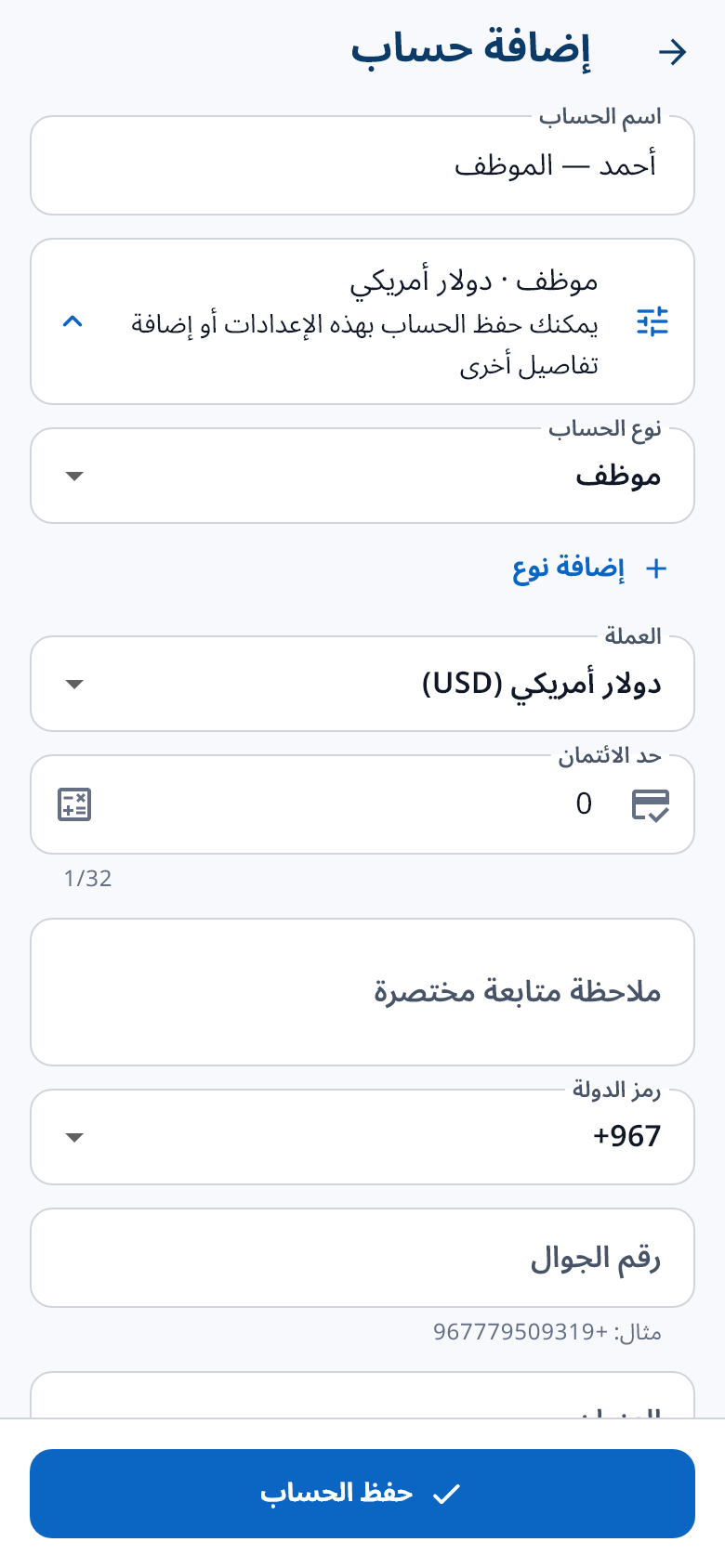
Alongside customers and suppliers, add a label such as Employee or Salary to organize and find your accounts.
Improved Arabic phone-number entry, uninterrupted typing in transaction search, and a visible image or PDF filename before saving.